
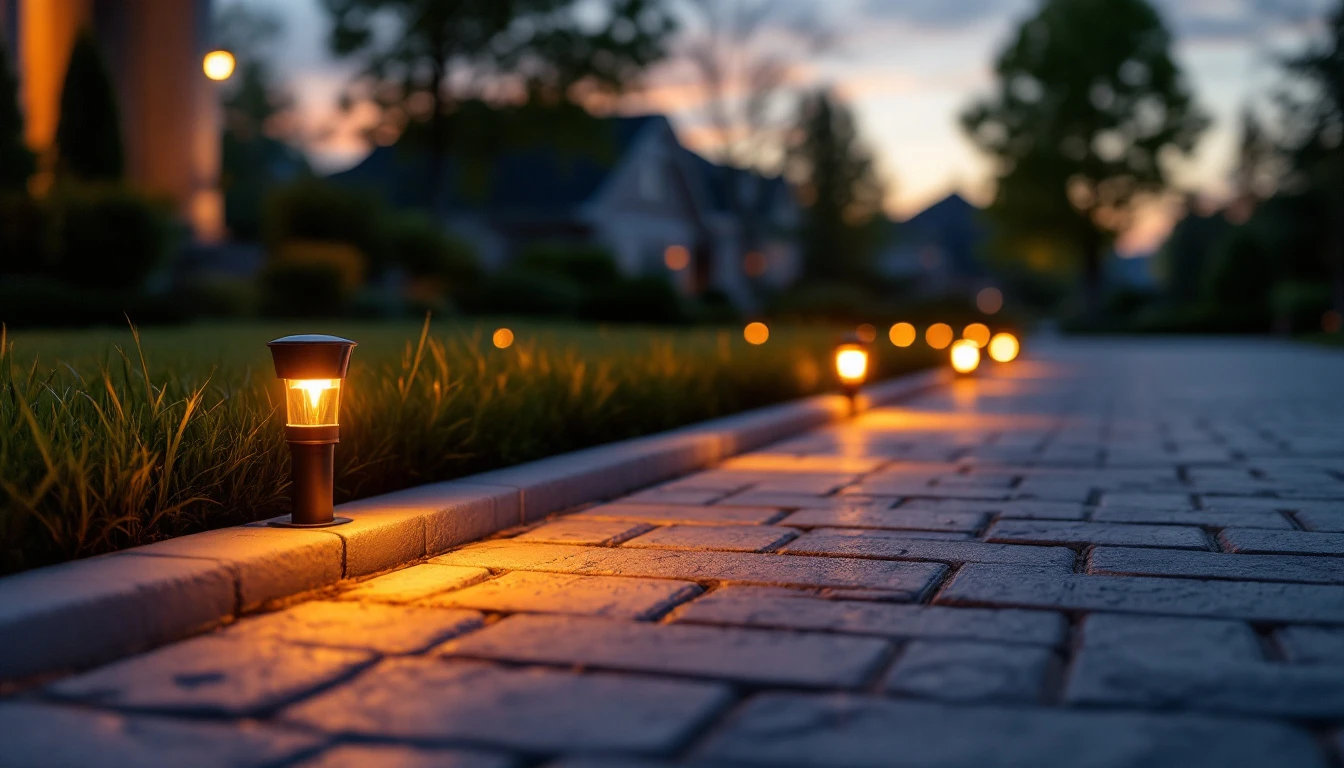
Smart lighting used to be an indoor thing in the past. A bulb in the living room lamp, maybe a plug for the Christmas tree. That's changed. These days it's just as common to see driveways, walkways, and garage entrances wired into the same Alexa or Google Home setup that runs the rest of the house. There's a real reason for that beyond novelty. A well-lit driveway is safer to walk and drive on, easier to navigate at night, and a lot less annoying to manage than flipping a wall switch every evening (or forgetting to). If you're weighing your options for a driveway that talks to Alexa or Google Home, here's what actually matters before you buy anything.
What Does "Compatible" Really Mean Here?
At its simplest, a driveway light that's Alexa- or Google Home-compatible is one you can control through those platforms like on, off, dimming, scheduling, maybe folding it into a larger routine with your porch or garage lights.
How that connection happens varies a lot from product to product. Some lights hop straight onto your Wi-Fi. Others need a hub, a bridge, or a smart plug sitting in between. Remember just because a box says "smart" doesn't mean it plays nice with your particular ecosystem. Always check the actual model, not the marketing language.
A common setup looks something like this, the lights switch on automatically around sunset and shut off a few hours later, maybe triggered further by a motion sensor. Nothing fancy, just lighting that runs itself instead of relying on you to remember.
Why Consider Smartening Up a Driveway in the First Place?
Driveways are notorious for being the one part of a property nobody thinks to light properly. Edges disappear in the dark, curves get harder to judge, and a parked car becomes a hazard nobody sees until it's too late.
You Can Actually See What You're Driving Toward
Good driveway lighting helps you spot pavement edges, gates, landscaping, and anything else in the way. Picture coming home after a long shift, instead of pulling into a black hole of a driveway, the lights are already on because they were scheduled to be.
Voice Control Genuinely Comes in Handy
Whether it's Alexa or Google Assistant doing the listening, being able to say "turn on the driveway lights" while your arms are full of groceries beats fumbling for a switch in the dark. Just know that exact functionality still depends on the product you buy.
You Stop Having to Think About It
Sunset schedules, motion triggers, timed routines, these are pretty standard across smart lighting these days, though the specifics differ by brand. Several outdoor lighting manufacturers build their products specifically around Alexa and Google Assistant scheduling.
Picking the Right Type of Fixture
Not all driveway lights are built for the same job, and the "best" one really depends on your driveway's layout, how much power you have to work with, and whether you're after ambient visibility or full security-grade brightness.
- Pathway lights: It works well for marking the edges of a driveway, especially where it meets a front walkway. Low-voltage landscape versions tend to look softer and more deliberate than harsh floodlighting. A good call for longer driveways where you need edge definition more than blanket coverage.
- Floodlights: This makes more sense for wider areas like a garage apron. A lot of them now come bundled with motion detection. Ring's wired outdoor floodlight, for instance, is built with driveways in mind and includes adjustable motion settings alongside app control. Remember brighter isn't automatically better. Too much light creates glare, and glare makes it harder to see, not easier.
- Post and landscape lights: This suits driveway entrances, gates, or spots where you want to highlight plantings without flooding the whole driveway in light. Some brands make landscape-specific fixtures built around Alexa and Google Home from the ground up.
- Smart bulbs in existing fixtures: These are the low-effort route if your current outdoor fixtures are already in decent shape. Just make sure the bulb, socket, and fixture are all genuinely rated for outdoor use.
Shopping for Google Home Compatible Lights? Look Past the Label
Confirm the Platform, Not Just the Brand
Some products work natively with Google Home, some with Alexa, and some need an extra hub before either will talk to it properly.
Check the Wi-Fi Requirements
Plenty of outdoor smart lights run on the 2.4 GHz band, at least for setup. If your driveway sits far from the router, a weak signal can turn an otherwise solid system into a headache.
Make Sure It's Actually Rated for Outdoors
Rain, dust, heat, cold, driveway fixtures deal with all of it. Look for a proper IP rating (IP65 and IP66 show up often in outdoor lighting) and understand what that rating actually covers for the specific product.
Think Through the Power Source
Hardwired, plugged into an outdoor outlet, run off a low-voltage transformer, or solar. Each option changes what installation and upkeep look like, so it's worth deciding early rather than after the fixtures arrive.
Don't Skip the Installation Basics
Smart doesn't mean simple when it comes to wiring. If a setup calls for new circuits, trenching, or an outdoor electrical connection, it's usually worth bringing in a licensed electrician rather than winging it. Local codes and manufacturer instructions both matter here.
Low-voltage landscape lighting still depends on cable placement and transformer capacity being right. Line-voltage fixtures need solid weatherproofing and proper electrical protection. And it's worth thinking about where cars actually drive, fixtures placed too close to the driving surface are easy targets for tires, plow blades, or a stray mower.
Does Going Smart Cost More?
Honestly, it really comes down to how many fixtures you need, the power source, whether new wiring is involved, and what condition your existing electrical setup is in. Swapping a smart bulb into an existing fixture might run you next to nothing. A full driveway lighting overhaul with new wiring is a different budget conversation entirely. Rather than shopping by sticker price alone, it's worth comparing what each system actually includes against what you actually need.
Regular Upkeep
Smart lights are still lights, and they still need regular upkeep. Wipe down lenses now and then, check for physical damage, inspect any exposed cabling, and trim back growth that's started blocking the fixture.
If a light stops responding, don't assume the bulb died, check the power and the network connection first. A dropped Wi-Fi signal or an unplugged hub can look exactly like a broken fixture. Seasons matter too: fall leaves block light, and winter snow or landscaping changes can throw off coverage you'd gotten used to.
Is It Actually Worth It?
If you're already running a smart home setup, adding driveway lighting to it is a fairly natural extension. Voice control, scheduling, and automation genuinely make outdoor lighting easier to live with. But the value really comes down to solving a real problem. A long driveway probably benefits from scheduled pathway lighting end to end. A short one next to the garage might only need a single well-placed floodlight.
The best setup usually isn't the one loaded with every feature available, it's the one that lights the space properly, holds up outdoors, and doesn't turn into a headache to install or maintain.
Final Thoughts
Alexa and Google Home compatible driveway lights bring a genuinely useful bit of smart-home convenience to a part of the property that's easy to overlook. Whether you go with pathway lights, landscape fixtures, or a floodlight near the garage, the same checklist applies before you buy. Confirm platform compatibility, verify outdoor durability, check connectivity needs, and plan the power source. Get those right, and the lighting layout tends to take care of itself.
At Drivewayz USA, we cover the practical side of driveways like materials, installation, maintenance, lighting, safety, and smart driveway technology. Therefore, you can make informed calls whether you're upgrading what's already there or planning something new.
Frequently Asked Questions
Yes, plenty do. Depending on the product, you can turn lights on or off, adjust brightness, or run them as part of a routine. Always double-check Alexa compatibility for the specific fixture you're considering.
It can, as long as the lighting product supports Google Home or Google Assistant. Setup steps vary by manufacturer, so check the product documentation before buying.
Not necessarily. Wi-Fi is common, but some systems rely on Bluetooth, a proprietary hub, or a low-voltage controller instead. Check the spec sheet before you commit to a purchase.
Yes, provided the specific fixture is rated and built for outdoor conditions. Look for proper weather resistance and follow the manufacturer's installation guidance closely.
There isn't one universal answer. Pathway lights are great for defining edges, floodlights cover broader areas, and post or landscape lights work well near entrances. The right pick depends on your driveway's size, layout, available power, and what kind of lighting you're actually trying to achieve.